Why use a separate tool when my editor can straighten photos?+
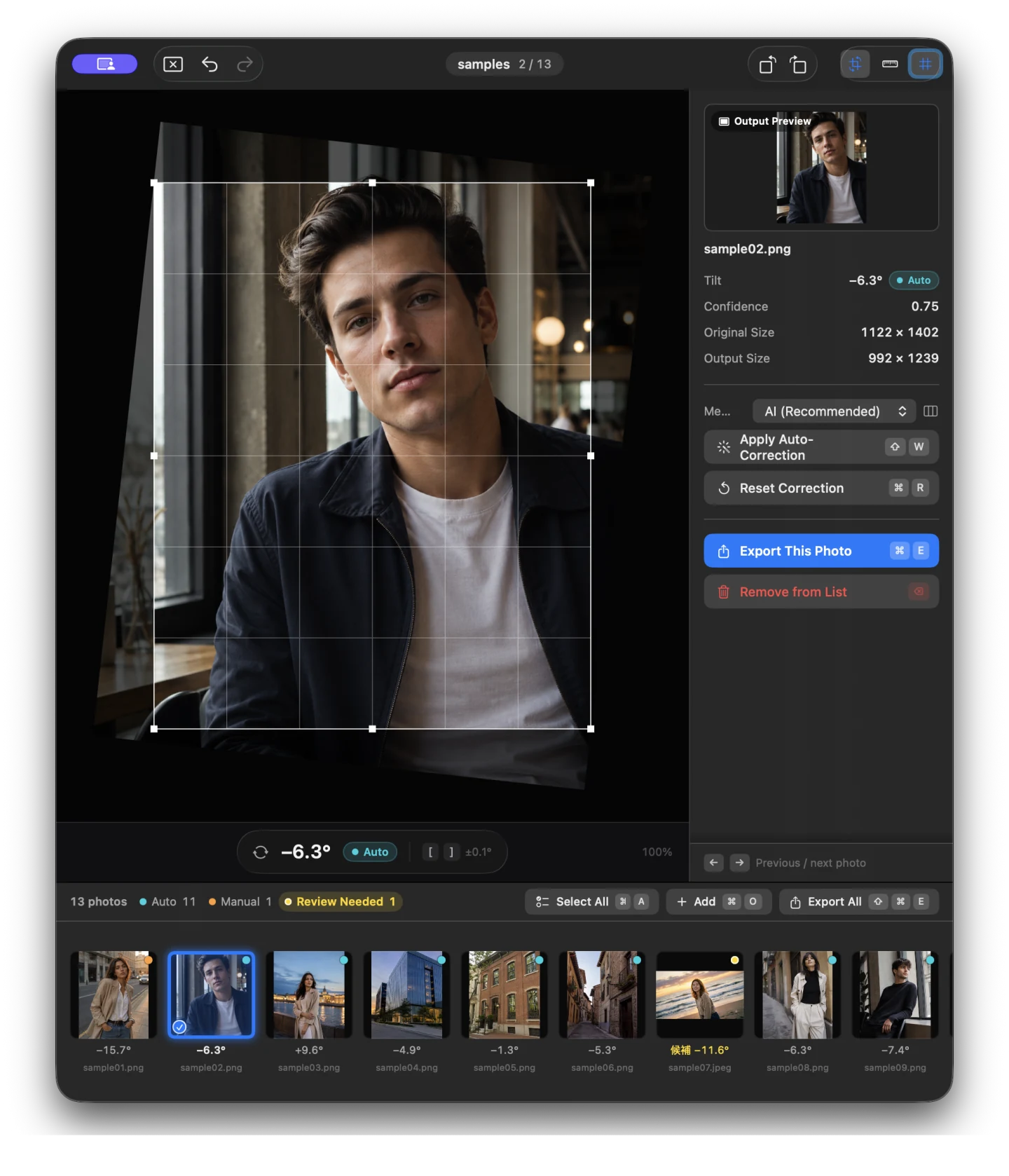
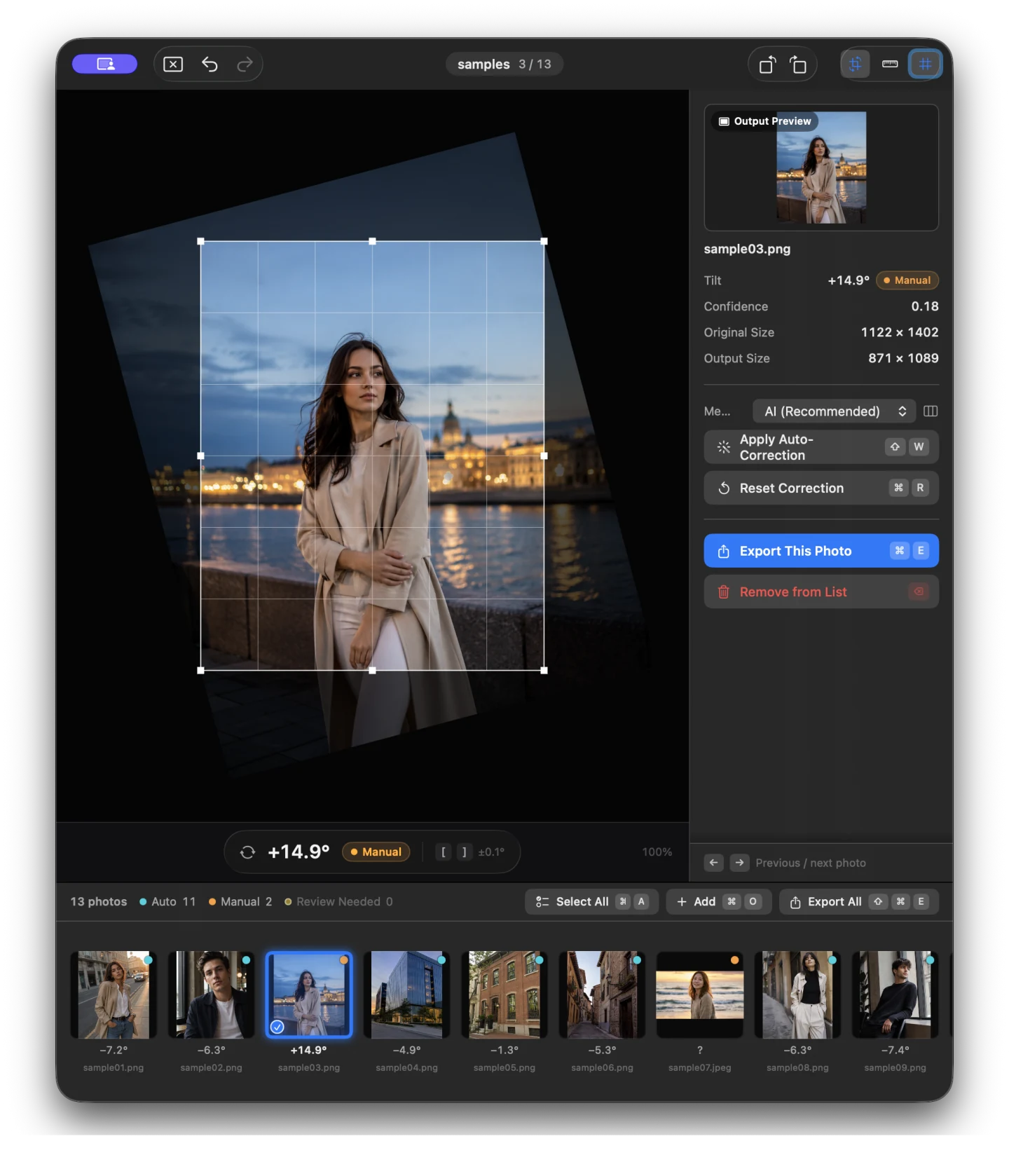
Suihei is designed for the final check on a large set. It keeps per-photo suggestions, review states, manual controls, and export in one place. The finished set is saved as new files.
Will automatic correction finish every photo?+
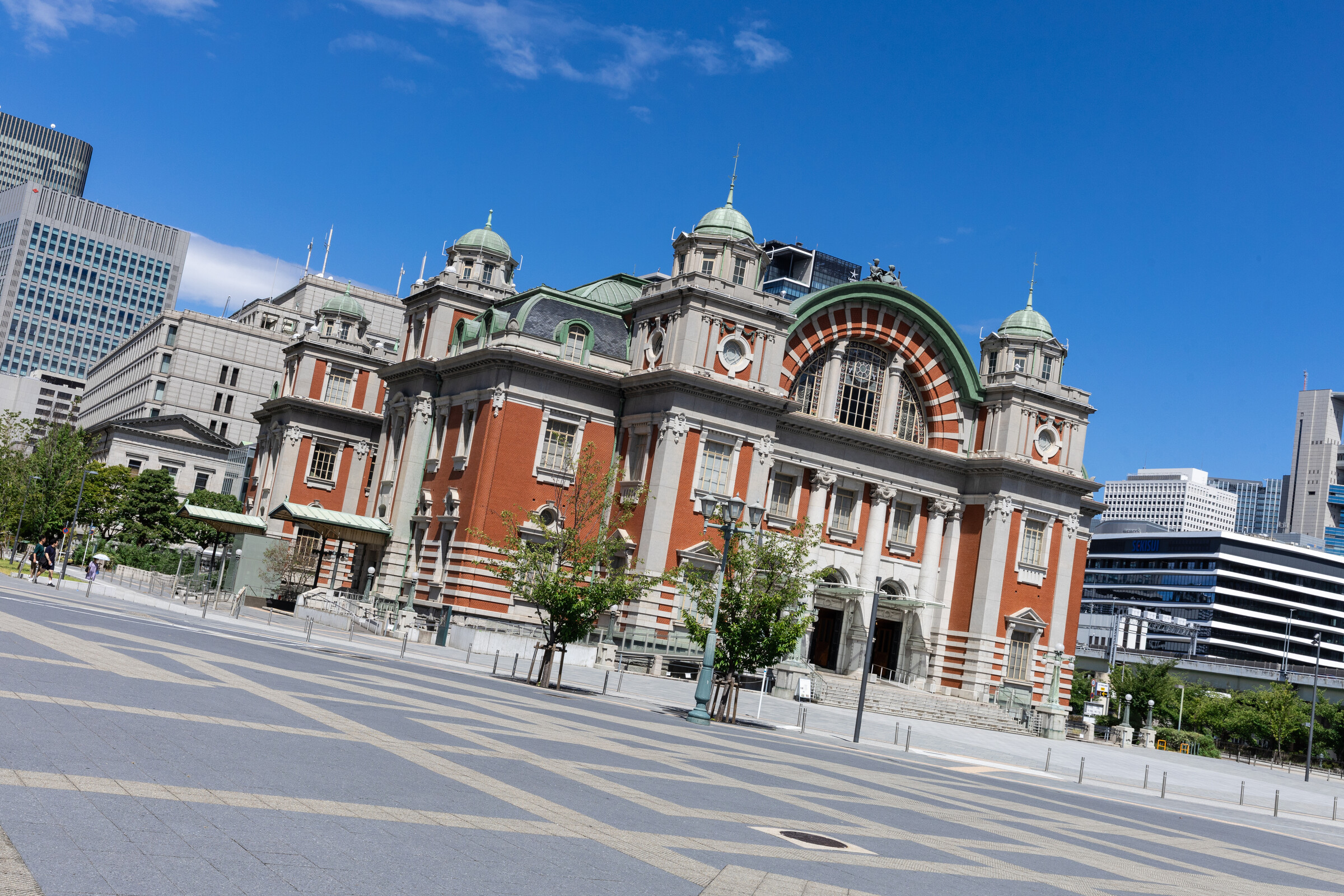
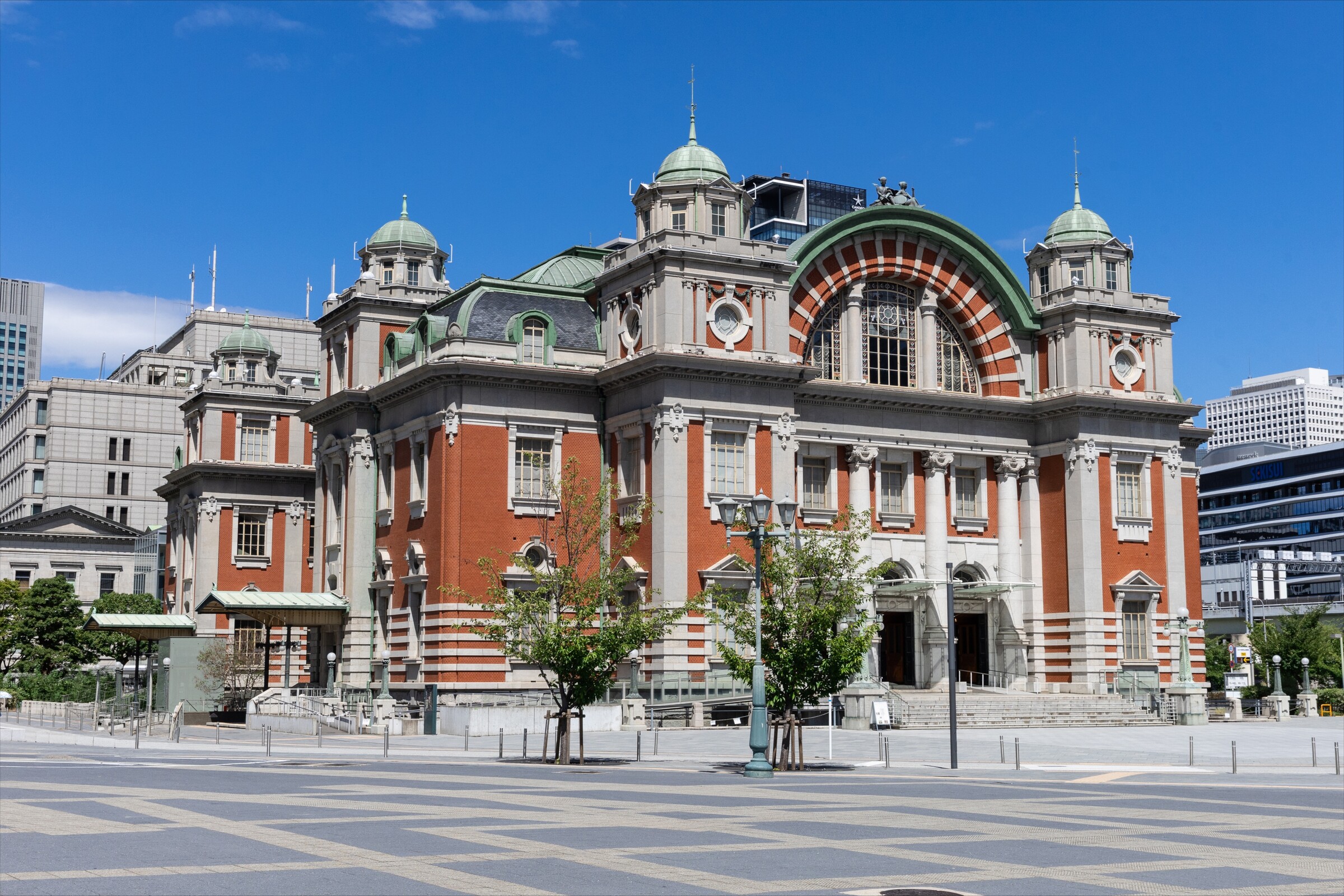
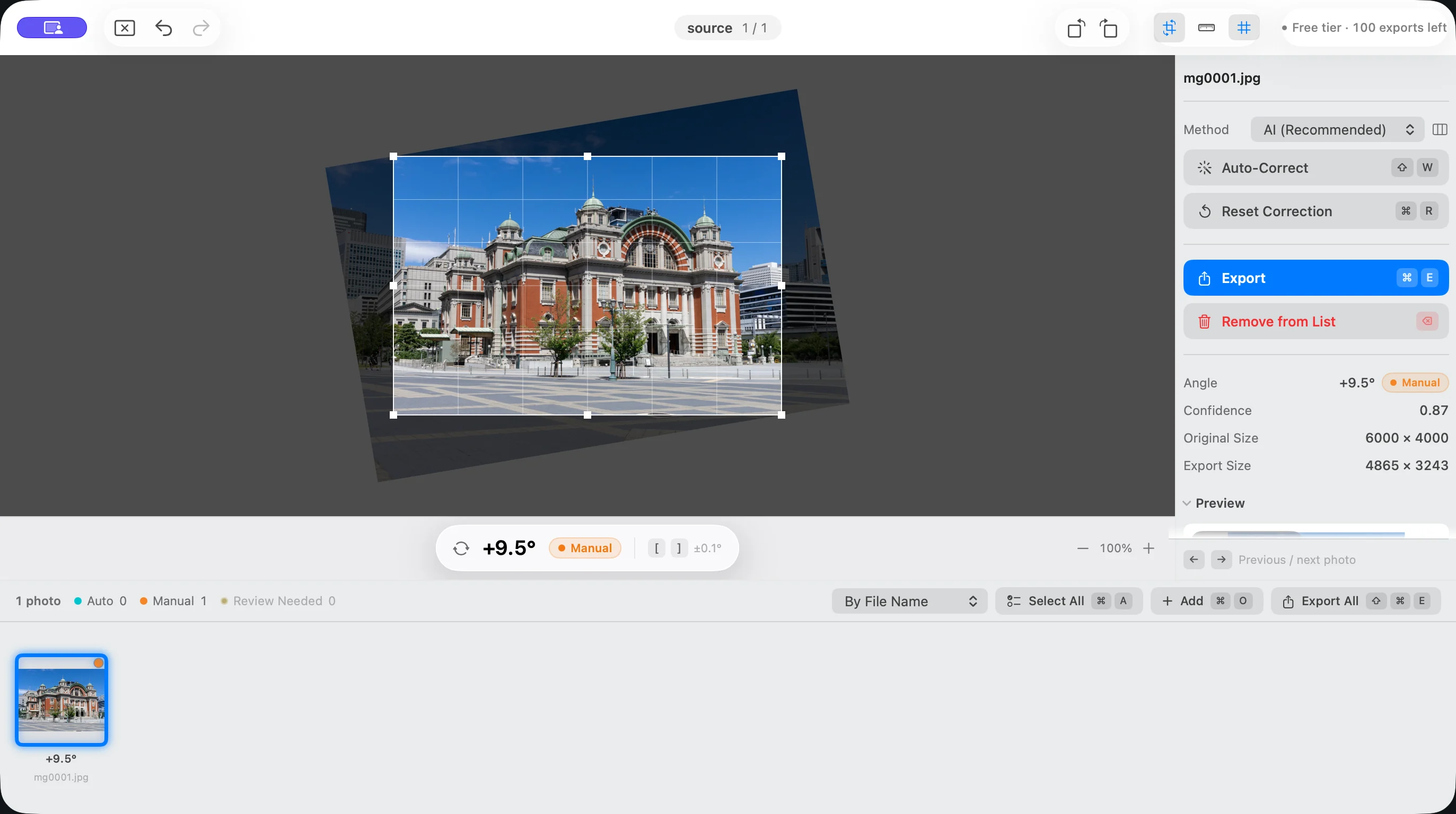
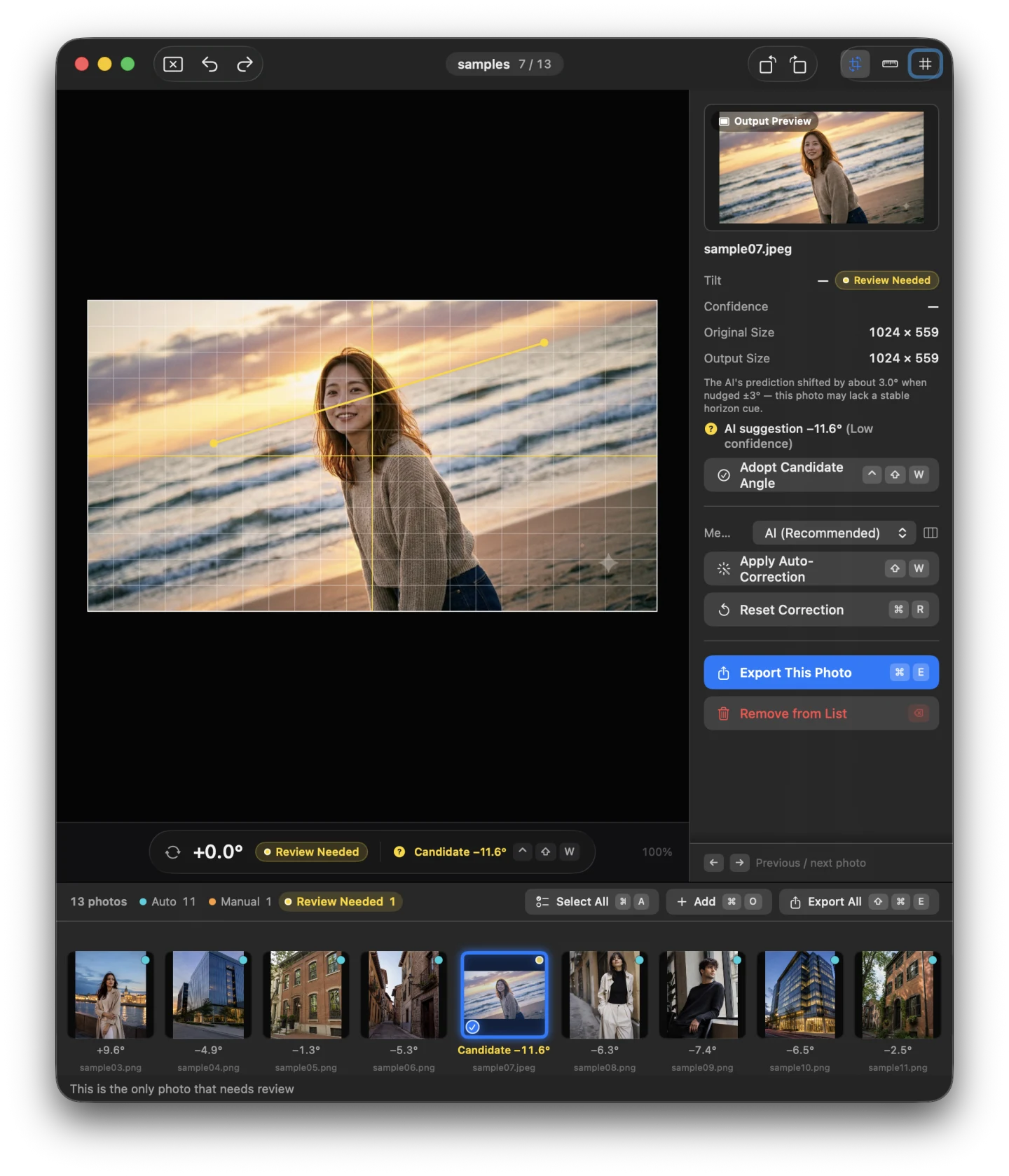
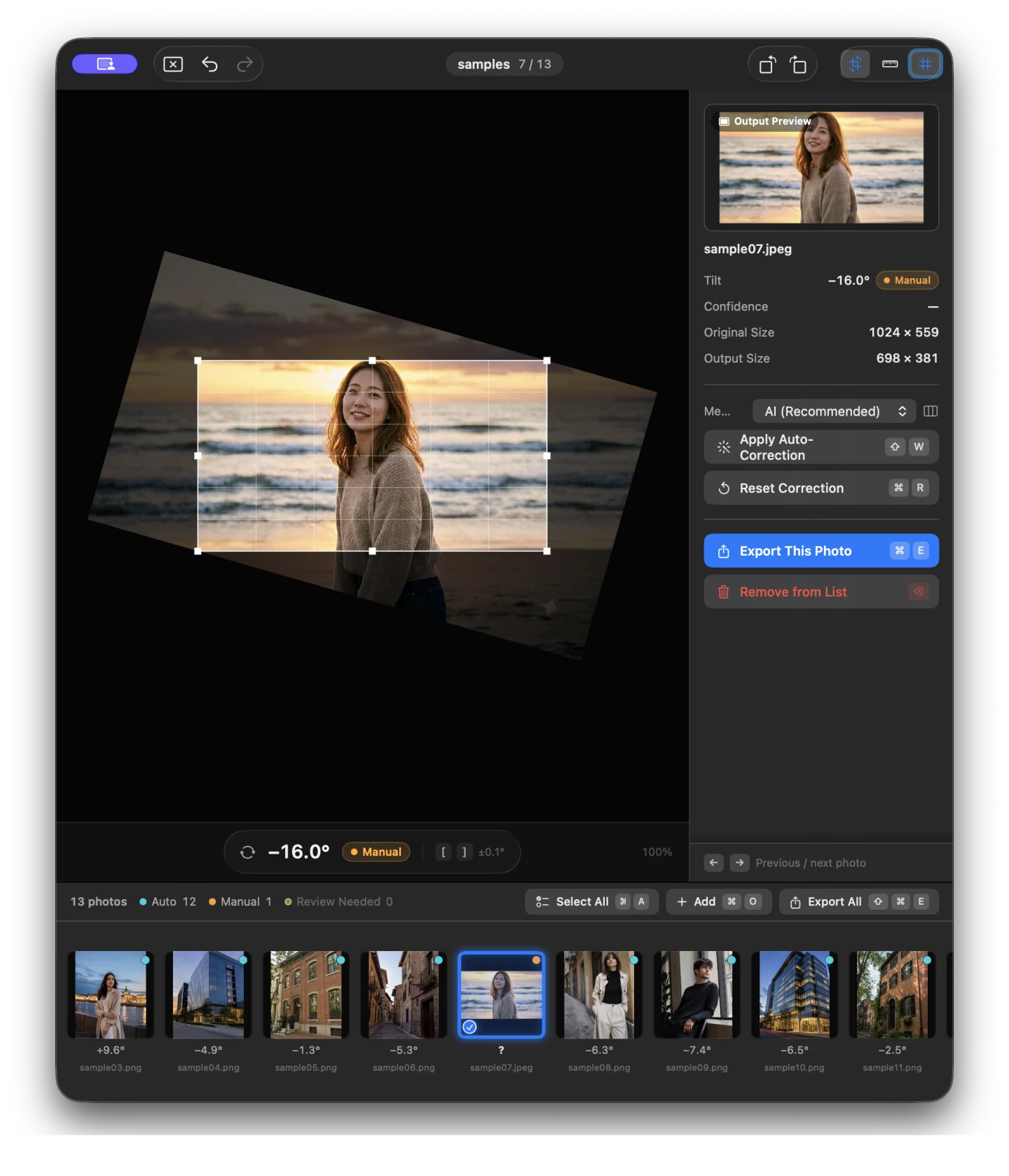
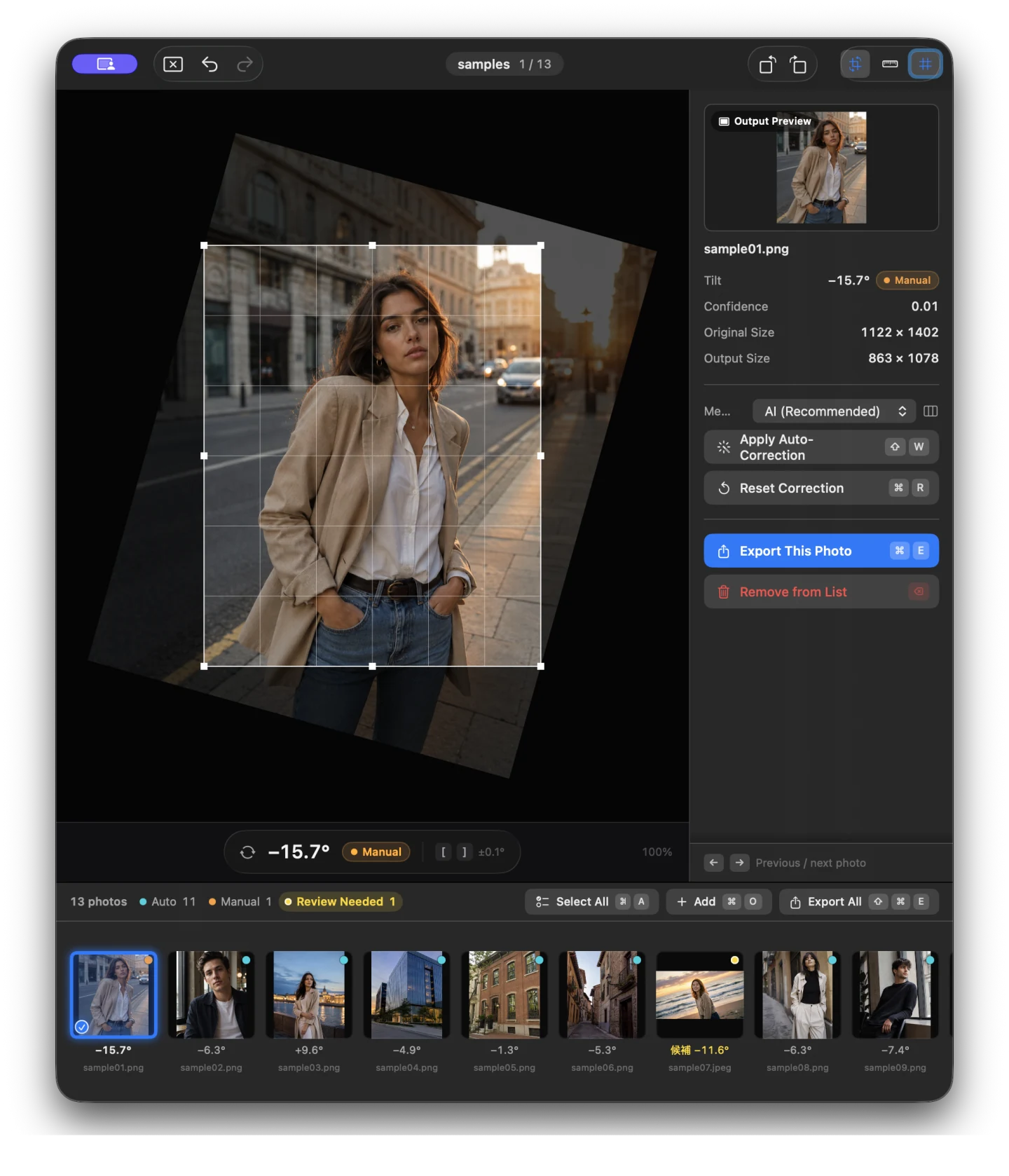
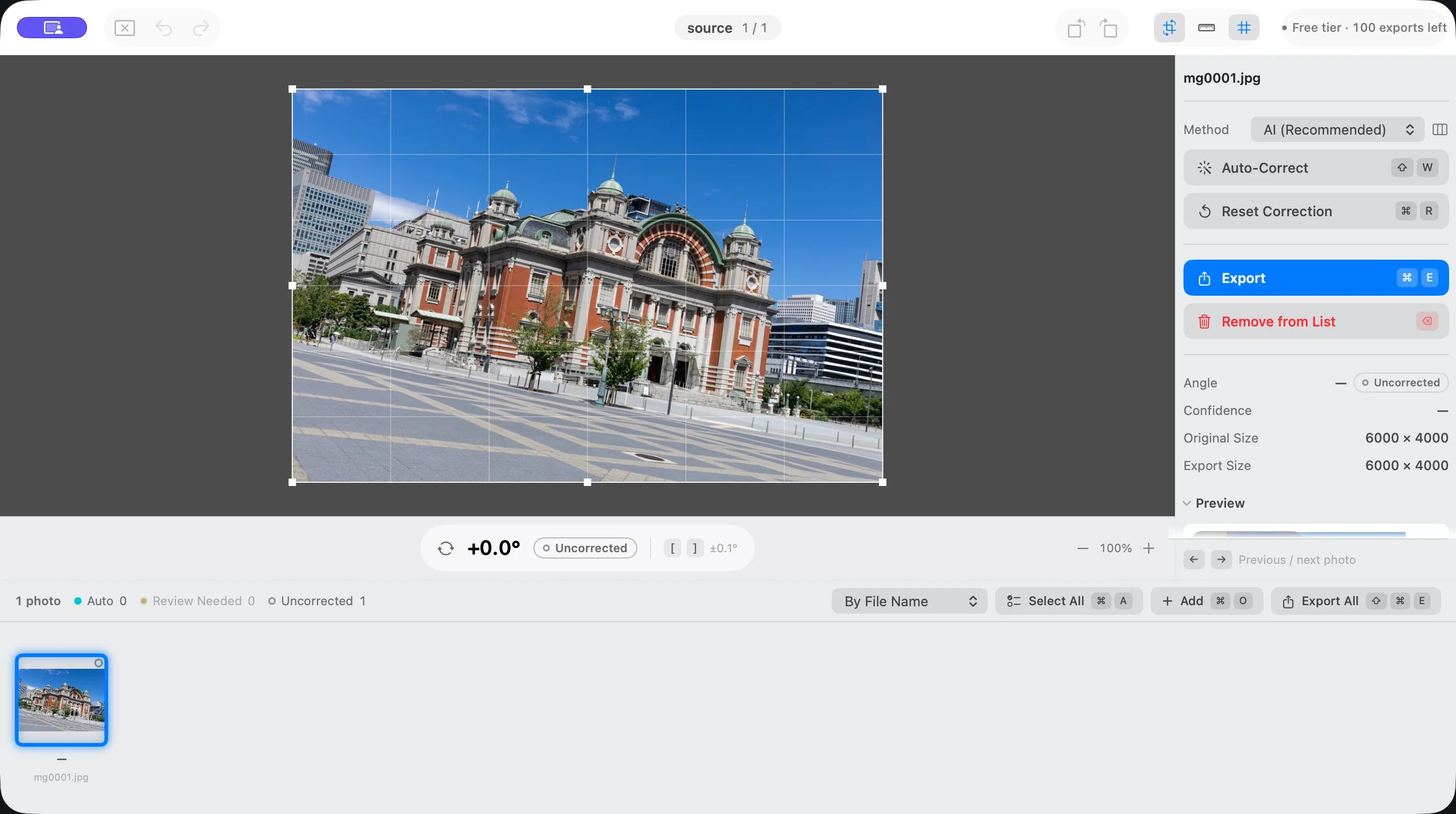
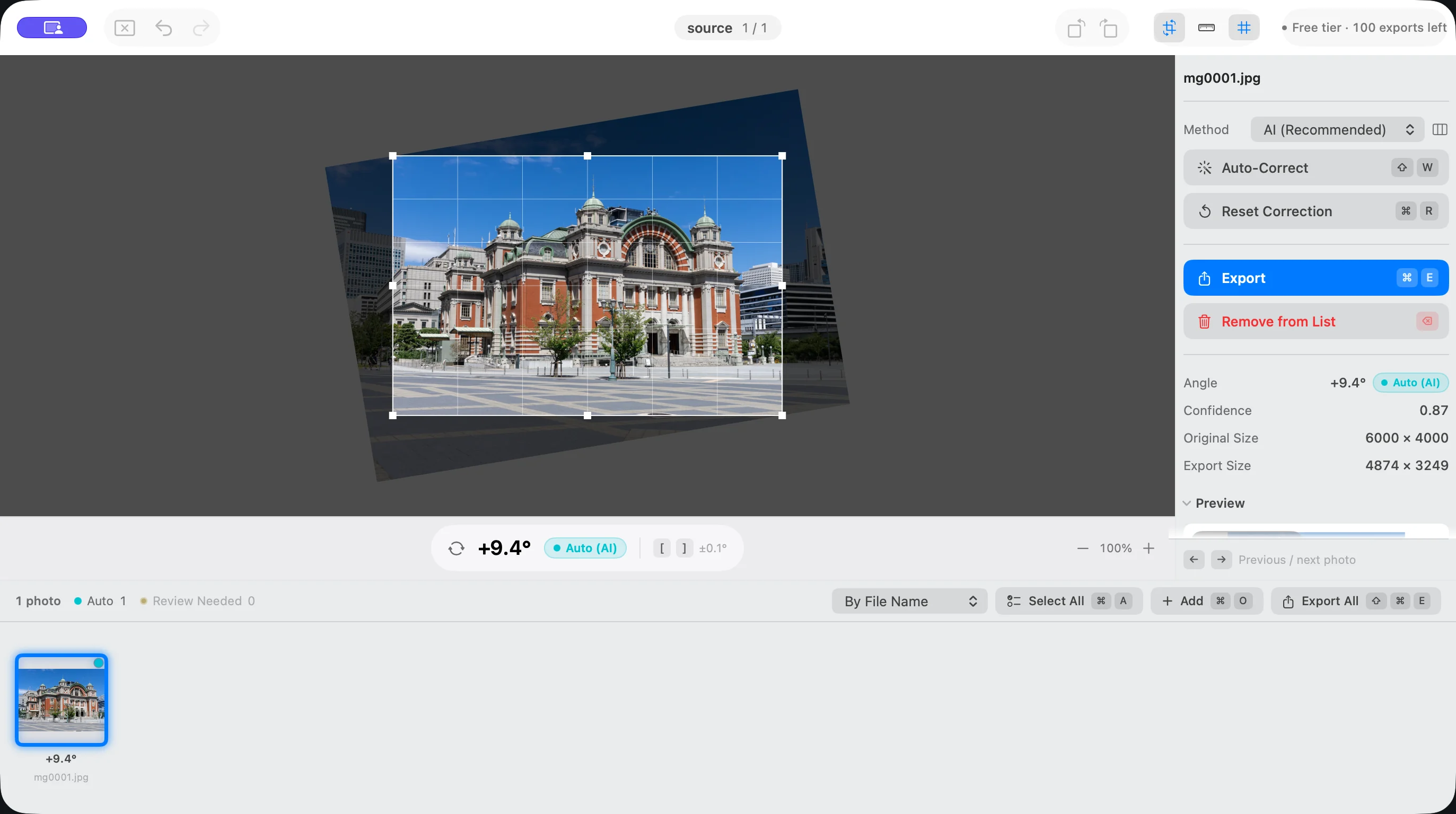
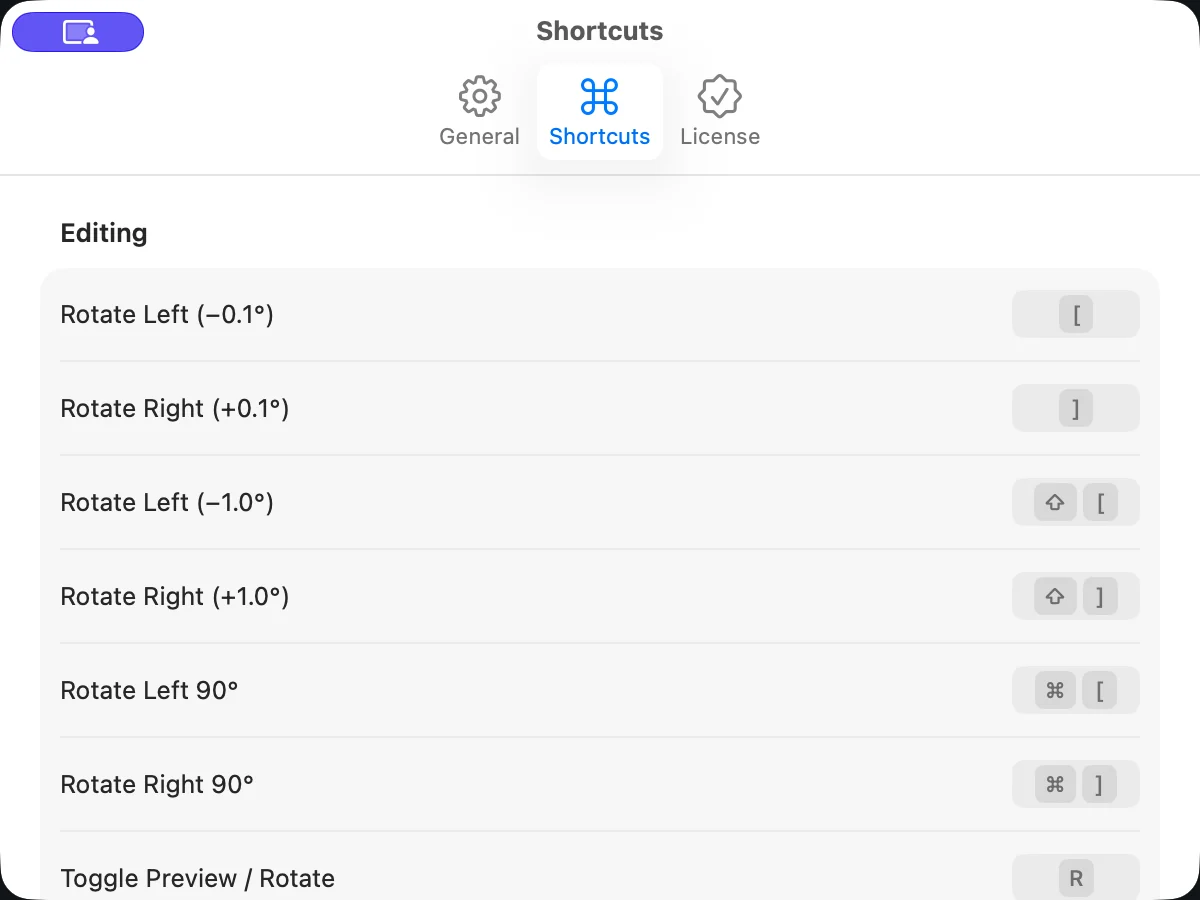
Not every photo. Some sets need little adjustment, but photos with weak horizons, competing lines, or intentional tilts may need a closer look. Suihei marks those photos for review and gives you a ruler and 0.1° rotation controls when you want to adjust the result.
Does Suihei edit color, exposure, or perspective?+
No. Suihei corrects side-to-side tilt and automatically crops out the blank corners created by rotation. Use your main editor for color, exposure, retouching, and perspective correction.
Are my images uploaded or used to train AI?+
No. All angle detection runs on your Mac. Suihei does not upload your photos, and neither your photos nor your editing activity is used to train a model.
Will Suihei overwrite my originals?+
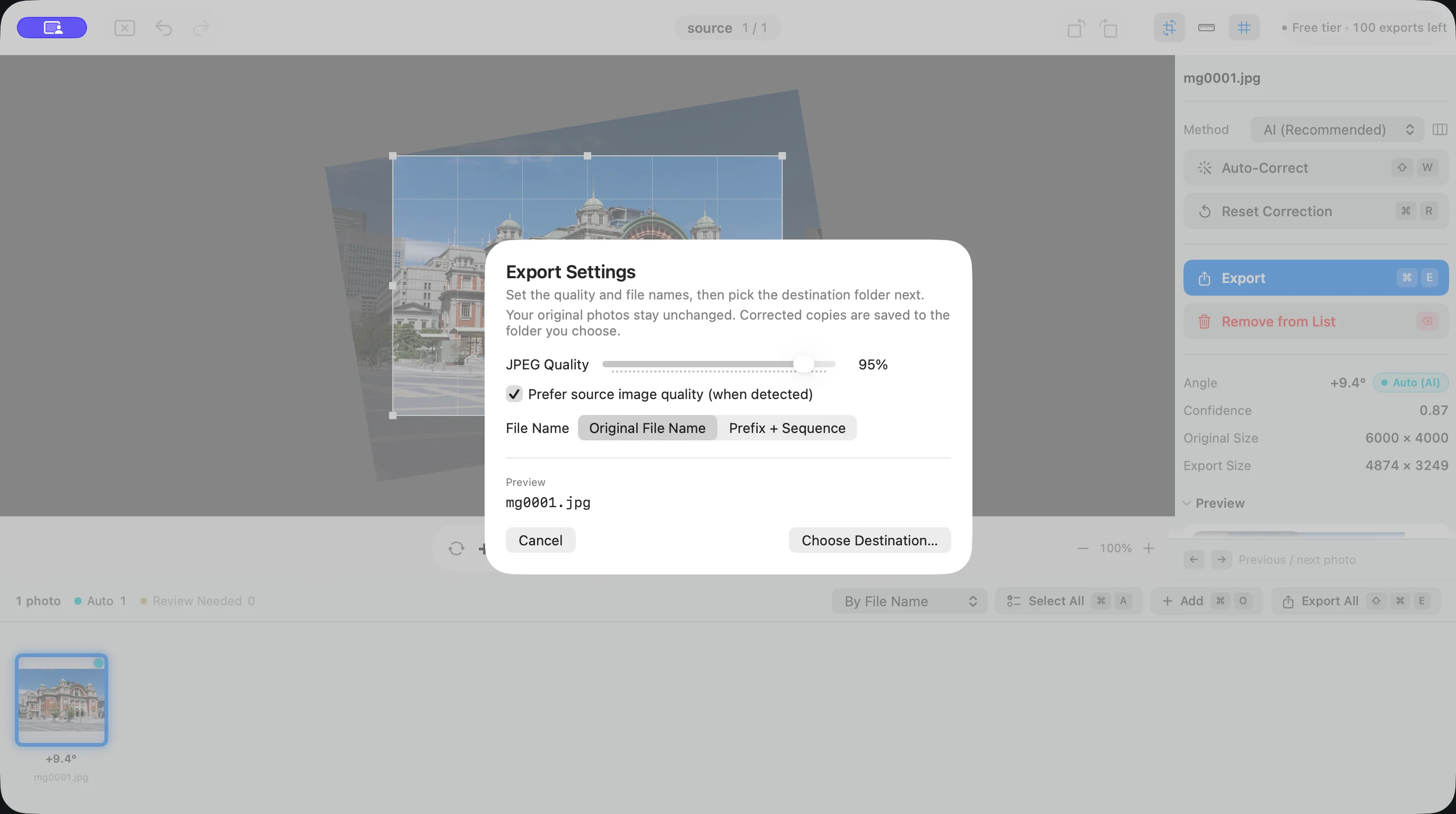
No. Suihei reads source files without changing them and saves corrected copies in a folder you choose. Backups are still recommended for any professional workflow.
Is Unlock Exports a subscription?+
No. Unlock Exports is a one-time purchase with no recurring charge or automatic renewal. It removes the export limit in Suihei Version 1. It costs $39.99. Prices vary by App Store region, and the price shown at purchase applies. If you have already purchased Unlock Exports, you owe nothing further. Without a purchase, the first 100 photos are free to export, followed by up to 10 photos per local calendar day.